LogoSora 3.0 Video
  • Create
  • AI Image
  • AI Video
  • Prompts
  • Pricing
Full Official ReleaseMay 2025

Z-Image AI Image Generator

Z-Image is an open-source 6B image foundation model developed by Tongyi-MAI. Engineered for consistent prompt adherence and broad creative versatility, it powers multiple specialized downstream variants including Turbo and Edit. This page lets you run both text-to-image and simple single-reference image-to-image workflows directly in your browser.

Loading...

Prompt:

1:1

4:3

3:4

16:9

9:16

Model:

Loading...

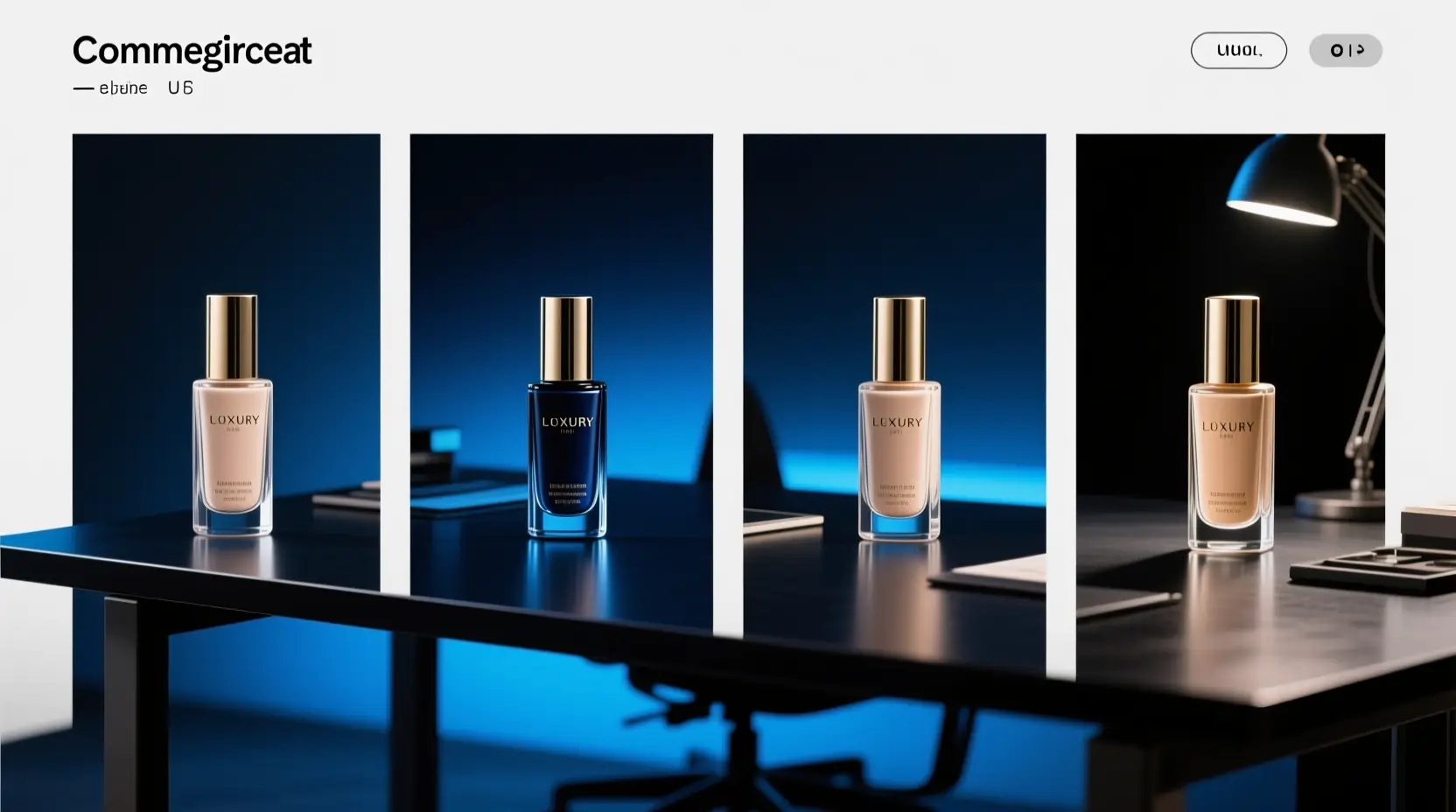
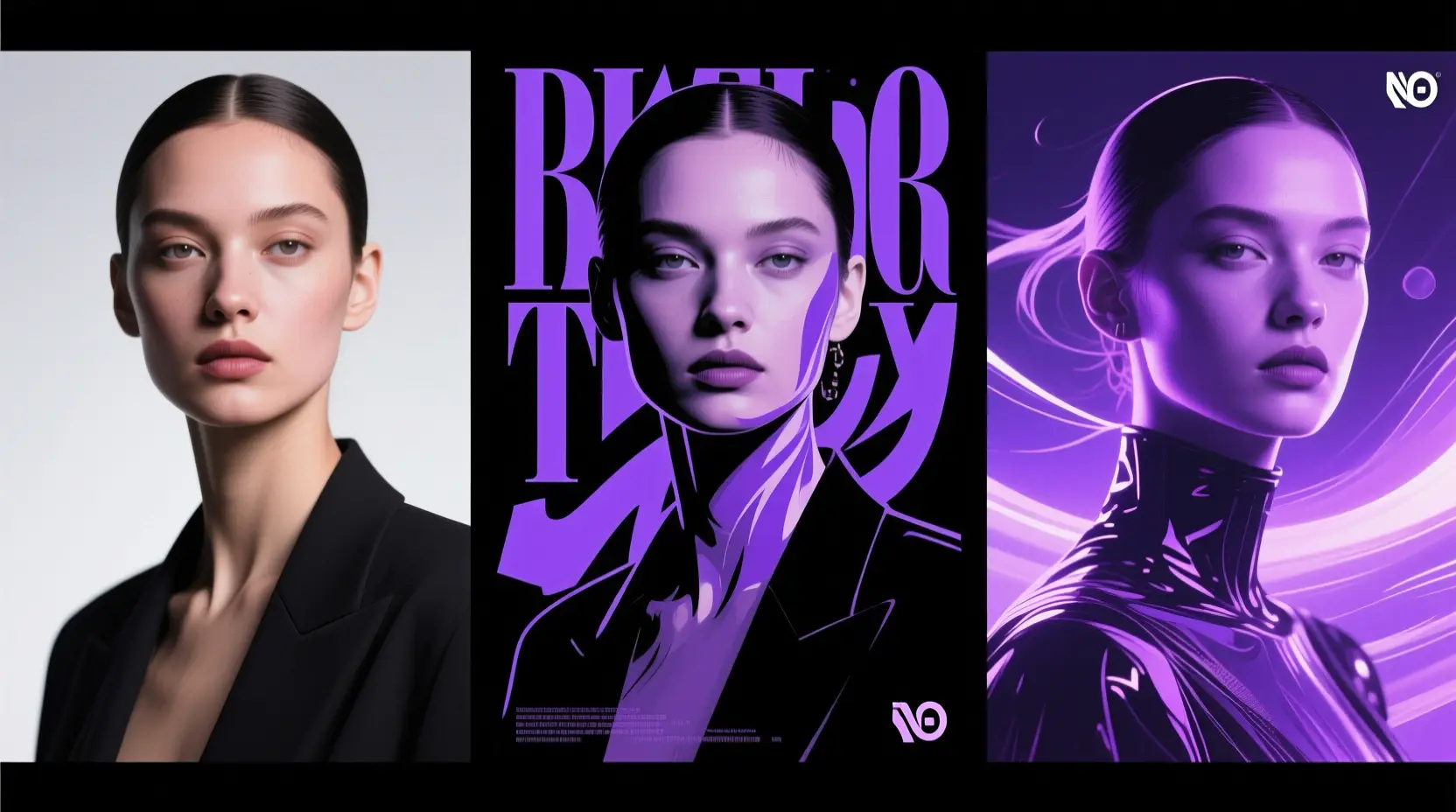
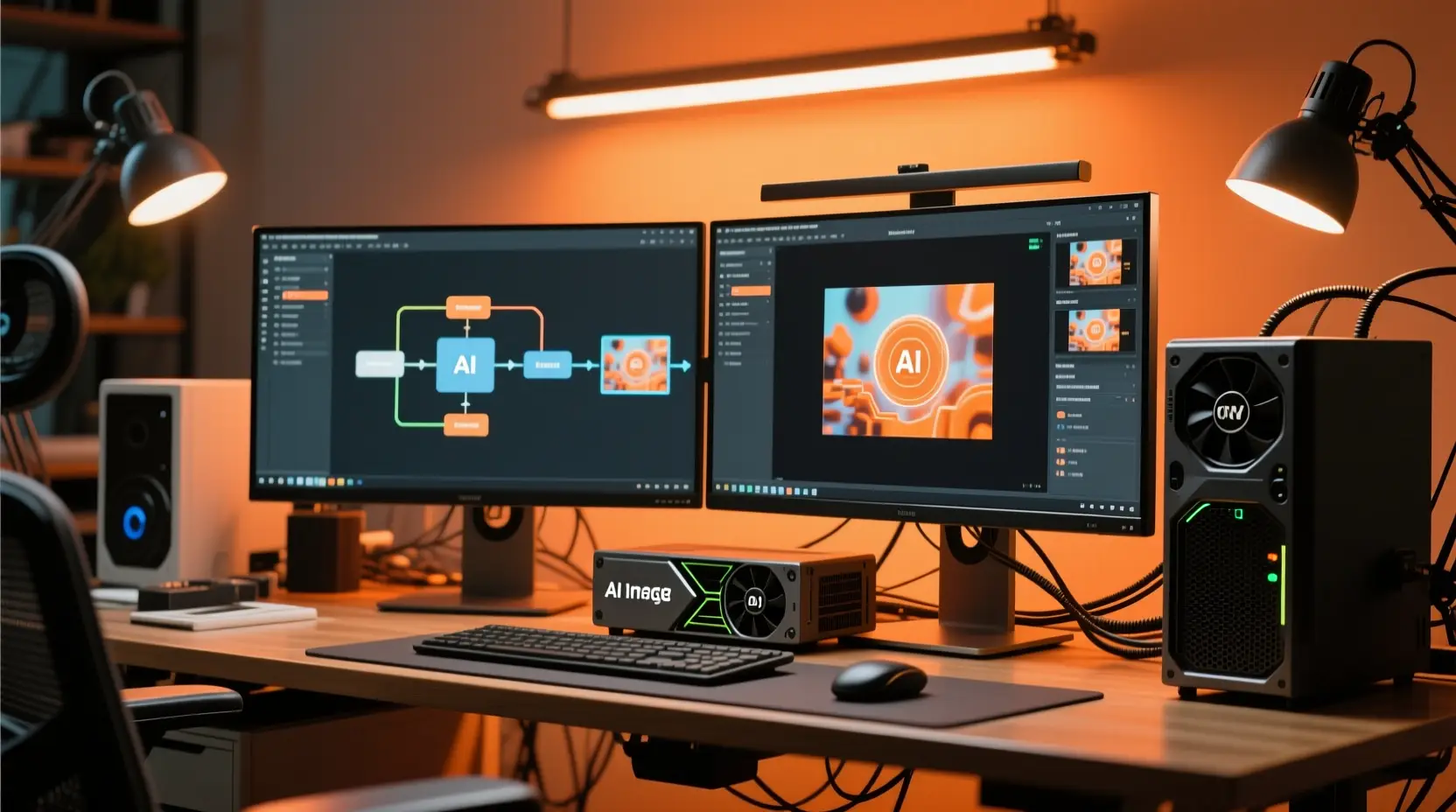
Scene Examples 1
Click to enlarge
How to use Z-Image

Use Z-Image here for text-to-image and single-reference image-to-image

Start with a prompt, optionally add a reference image to steer your output, and refine your final result in just a few quick generations by keeping your creative request clear and focused.

01

Outline your core subject and creative goal

Write your prompt to include your core subject, camera perspective, lighting style, composition layout, and any exact text that needs to appear in your finished image.

02

Upload a reference image if you want output guidance

If you need to keep an existing mood, product shape, or core layout direction, add your reference image and adjust the output direction using plain natural language.

03

Generate variations and tweak your final result

Generate multiple images in your preferred aspect ratio, compare different variations, and adjust your prompt until the composition and any included text align with your creative vision.

Core strengths of Z-Image

What stands out about Z-Image as a base image model

Z-Image is an open-source 6B foundation model that delivers consistent prompt responsiveness, multiple purpose-built family variants, and production-ready local deployment options.

Open-source 6B foundation model

Z-Image is the core base model of its family, letting development teams study, fine-tune, and deploy the public upstream release instead of being locked into a closed, hosted-only service.

The full upstream release is Apache-2.0 and is available to the public via both GitHub and Hugging Face.
It serves as the base model for all downstream family variants, including Z-Image-Turbo and Z-Image-Edit.
Choose this model when access to full model weights and local deployment are top priorities, beyond just quick one-off generation.

Prompt and negative-prompt control that shows up clearly

The official model design prioritizes strong prompt adherence and effective negative prompting, which guarantees that prompt changes are clearly visible in your final output.

The model responds consistently when you clearly outline your subject, composition, style, and any elements you want to leave out of the final image.
This consistency is especially valuable for posters, product scenes, and layout-sensitive prompts.
Comparing output variations is much easier when the base prompt behavior stays stable across multiple generation runs.

One base model that can cover multiple visual directions

As the full undistilled base model, Z-Image can adapt to realistic photography, poster layouts, and a wide range of stylized creative directions without forcing you to switch to a different model family mid-project.

It can move seamlessly between realistic photography, graphic posters, and highly stylized creative directions without locking you into a single fixed look early in your creative process.
It excels at exploring different character identities, poses, layouts, and art direction adjustments, all starting from the same base prompt.
This flexibility is incredibly useful during early-stage creative exploration, before you lock in a single final creative direction.

Real local runtimes and ComfyUI support

Z-Image is already integrated across diffusers pipelines, local runtimes, ComfyUI utilities, and community-built workflow packs.

There are production-ready local inference paths and extensive community tooling available, not just limited hosted demo access.
You can quickly connect the model to LoRA, ControlNet, and custom experimental workflows.
This widespread ecosystem support is a major advantage when local deployment is a core requirement for your project.
Best use cases

Where Z-Image works especially well

This model works especially well for prompt-led generation, custom poster layouts, commercial product visuals, and single-reference image refinements when run directly on this page.

Prompt-led product and marketing visuals

Create polished professional product shots, packaging mockups, ad concepts, and landing page hero visuals, with reliable control over framing, surface materials, and lighting.

Poster and typography-led concepts

Use Z-Image to build posters, social media graphics, and layout-focused creative projects where consistent prompt control and readable text are non-negotiable requirements.

Reference-based image refinement

Start with an existing reference image and adjust its style, framing, or overall creative direction without needing to rebuild your entire concept from zero.

Self-hosted and workflow-driven use

Pick Z-Image for projects where you may eventually move the model into ComfyUI, local runtime environments, or a fully customized image generation workflow.

Prompt patterns and examples

How to write better Z-Image prompts with real examples

Each example card below showcases a proven prompt structure, a real Z-Image output, and the specific writing choices that make the prompt effective. Start by reviewing the sample output, then expand the card to see the full prompt, understand why it works, and adapt the pattern to write your own prompts.

Product visual

Excellent prompt alignment

Perfect for product visuals that need precise control over clean, professional commercial lighting.

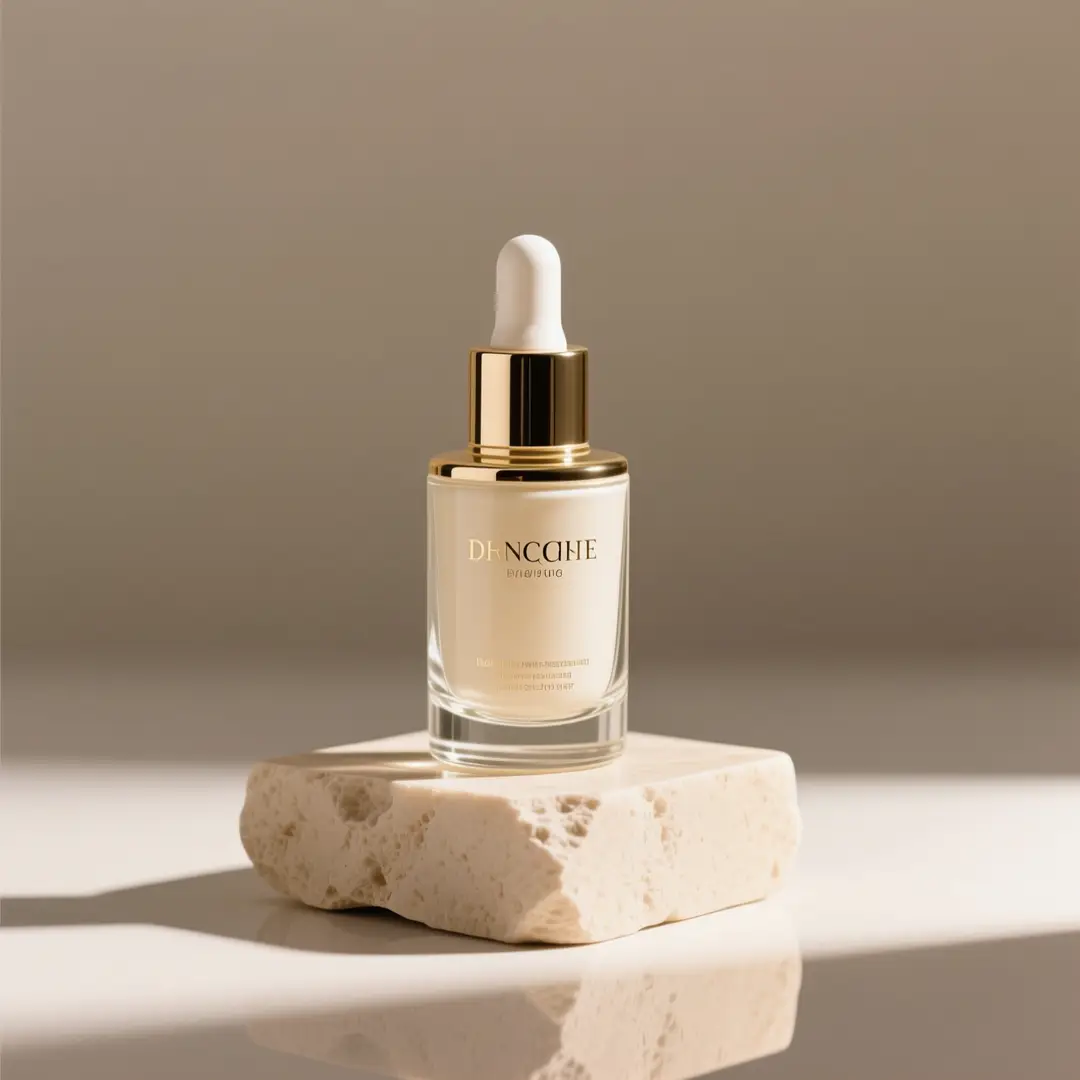
A premium skincare bottle photographed on a stone pedestal with soft studio light.

Premium skincare product hero image

Optimal Prompt format

[product] + [camera angle] + [surface/background] + [lighting] + [commercial finish]

View complete prompt analysisExpand to View More

Full raw prompt text

A premium glass skincare bottle on a light beige stone pedestal, soft directional studio lighting, subtle shadow, clean editorial composition, luxury e-commerce hero shot, minimal background, realistic reflections, high-end packaging photography.

What makes this example effective

This prompt leverages Z-Image's core strengths in realistic rendering, precise lighting control, and polished commercial output.

Intended generation result

A refined product image ready for use as a landing page hero, storefront banner, or product detail page focal point.

Practical usage tips

  • Start with your product name, then outline your shot type and background/surface setup.
  • Use specific material terms like glass, stone, matte, or reflective to reduce output ambiguity.
Poster with text

Excellent prompt alignment

Perfect for poster concepts where clear, readable Chinese or English text is a core requirement.

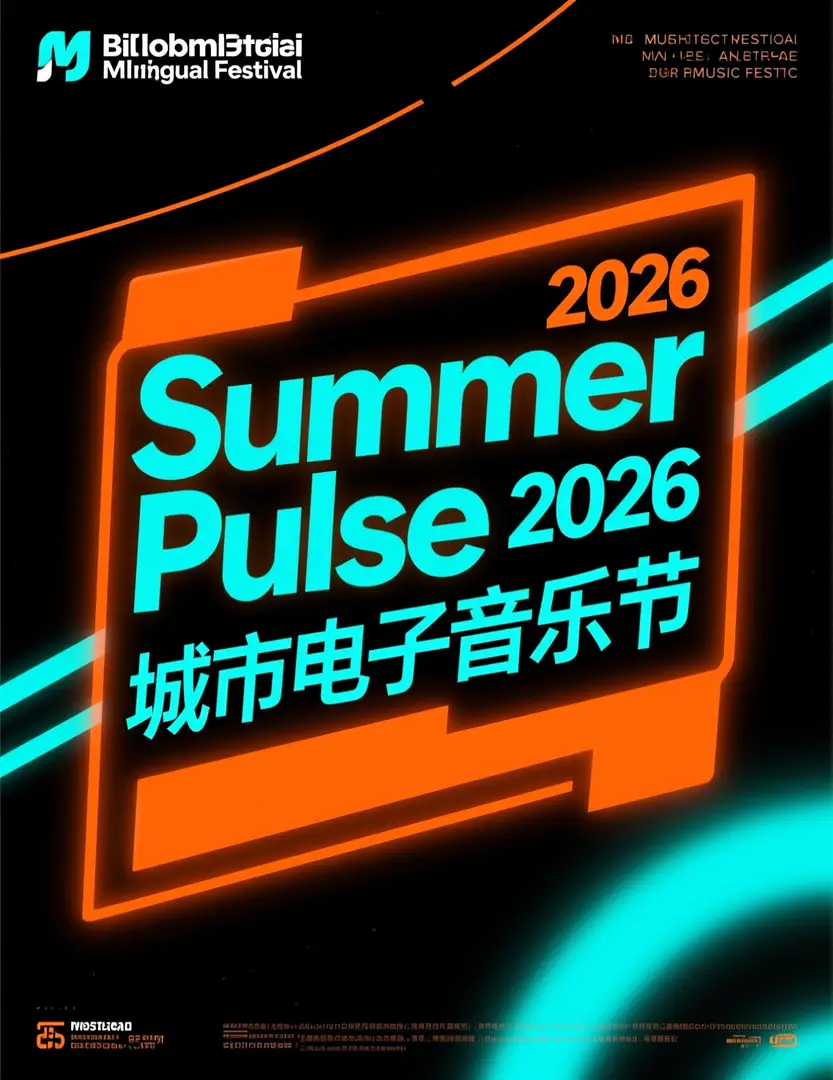
A bilingual festival poster with a large Summer Pulse 2026 headline and bold Chinese text.

Bilingual music festival poster

Optimal Prompt format

[poster subject] + [headline text] + [text language] + [layout hierarchy] + [background style]

View complete prompt analysisExpand to View More

Full raw prompt text

Modern bilingual music festival poster, bold headline "Summer Pulse 2026", smaller Chinese subtitle "城市电子音乐节", black background with neon orange and cyan accents, clear visual hierarchy, centered headline block, dynamic but readable event poster design.

What makes this example effective

Z-Image works particularly well when readable Chinese or English text is a core part of your concept, not just an afterthought decorative element.

Intended generation result

A text-accurate poster concept with a clear headline block and easy-to-read supporting text.

Practical usage tips

  • Wrap exact headline copy in quotation marks when the specific wording is critical to your final design.
  • Describe your text layout hierarchy separately from the overall mood of the poster to cut down on generation confusion.
Image-to-image

Excellent prompt alignment

Ideal for single-reference edits where object identity needs to stay consistent.

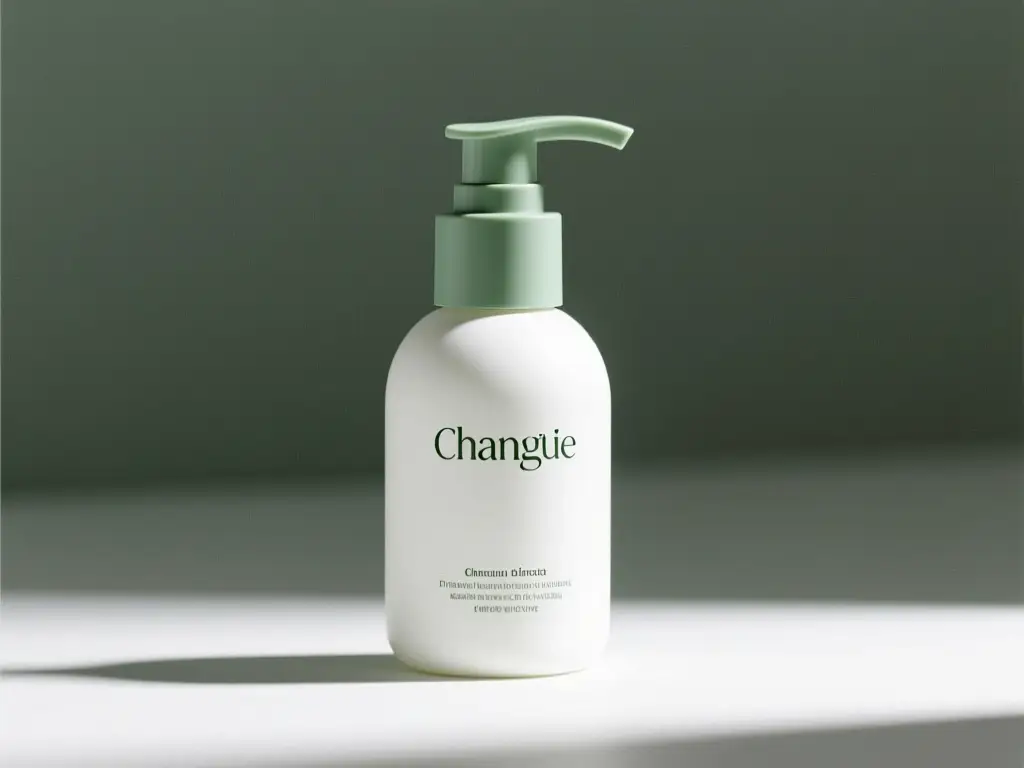
A matte white skincare pump bottle with sage green accents generated from a reference-driven packaging refresh prompt.

Reference-guided packaging update

Optimal Prompt format

[what stays the same] + [what changes] + [new lighting/style/composition direction]

View complete prompt analysisExpand to View More

Full raw prompt text

Keep the bottle shape, cap structure, and front-facing composition from the reference image. Change the packaging style to a modern matte white and sage green palette, softer studio light, cleaner premium skincare branding direction, more refined retail presentation.

What makes this example effective

This approach aligns perfectly with Z-Image's single-reference editing capabilities and keeps your generation request clear and focused.

Intended generation result

A controlled packaging refresh that keeps your original product identity intact while shifting to an updated visual design direction.

Practical usage tips

  • Start by listing the elements that need to stay consistent, such as object shape, framing, or product structure.
  • Keep your requested changes narrow and specific so your single reference image can steer the output cleanly.
Marketing creative

Excellent prompt alignment

Perfect for commercial ad concepts that need energetic composition and clear product focus.

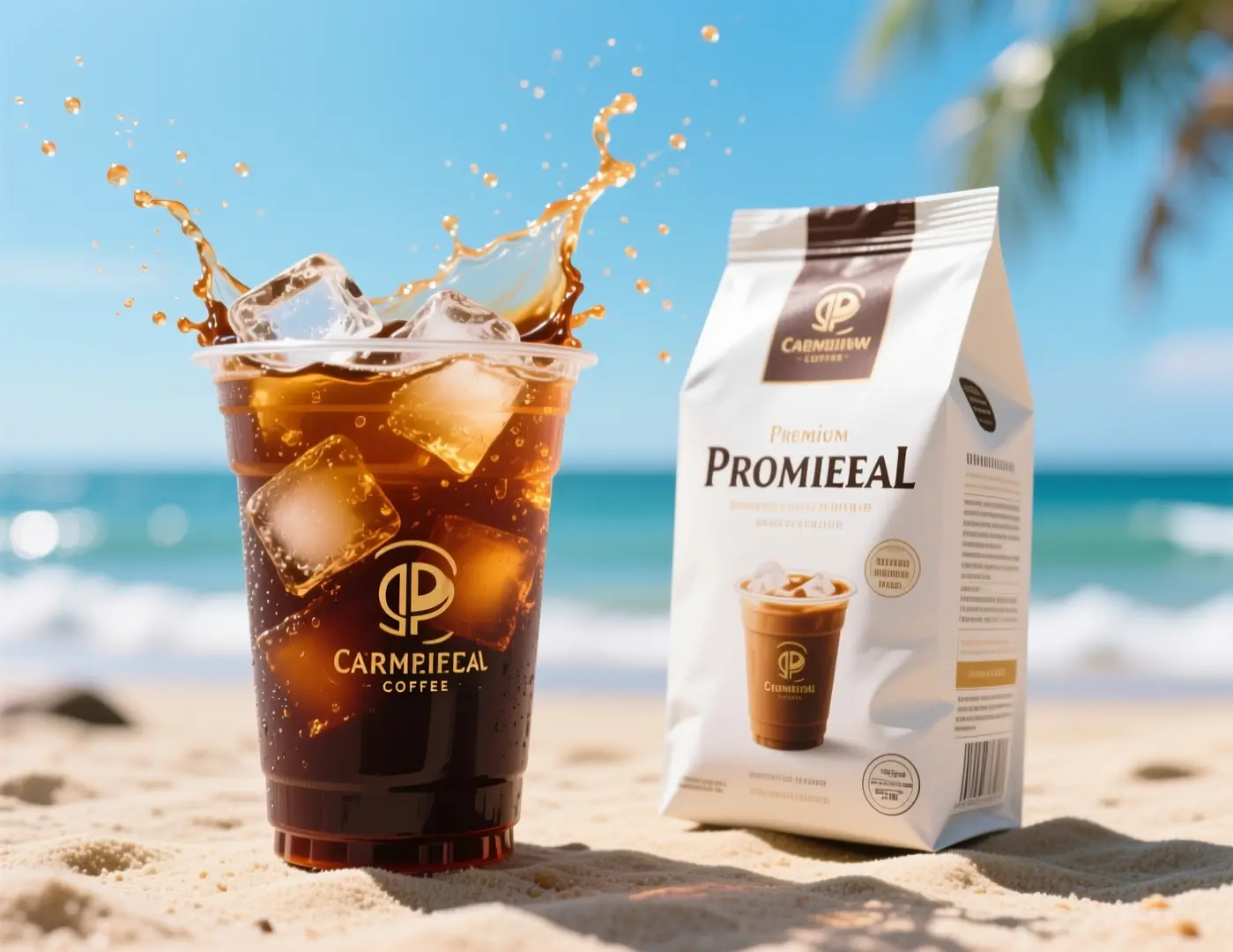
An iced coffee ad visual with splashing cold brew on a sunny beach background.

Fast social ad concept for a coffee brand

Optimal Prompt format

[subject] + [visual direction] + [composition] + [color / lighting] + [usage context]

View complete prompt analysisExpand to View More

Full raw prompt text

Commercial iced coffee campaign visual, close-up cold brew cup with ice splash, premium coffee packaging beside the drink, bright summer daylight, beachside mood, energetic composition, crisp product photography, premium beverage advertising style, no logos, no brand names, clean packaging design.

What makes this example effective

This prompt clearly defines product setup, lighting style, and campaign intent, while leaving out unnecessary branded elements that would limit future reuse.

Intended generation result

A flexible beverage ad concept you can quickly adapt for paid social campaigns, seasonal promotions, or a landing page hero section.

Practical usage tips

  • State your intended marketing channel or use case up front so the generated composition matches your exact requirements.
  • Focus on one clear dynamic action, like a liquid splash or tight close-up, instead of adding multiple conflicting motions.
When to choose Z-Image

Choose Z-Image when you want open weights and local deployment options

Pick Z-Image when you need prompt changes to show up clearly in your output, plan to reuse the model beyond this page, or prioritize open model weights and local runtime support.

Choose Z-Image when you want one model you can keep using later

Pick Z-Image if you want to generate your images here today, then keep using the same model family in ComfyUI, local runtimes, or custom pipelines later on. It is the better choice when prompt control and full model access are core priorities for your work.

Use another model when you want a hosted style out of the box

Try GPT-4o or Seedream if you want a unique pre-built visual style and don’t need open weights, local deployment, or downstream customization. These hosted models often deliver a simpler, out-of-the-box experience for quick one-off generation.

Community proof

Community examples and outside discussion around Z-Image

Below you’ll find third-party videos, X posts, and Reddit discussions that share real community-generated examples and independent perspectives on Z-Image. These resources work best as supplementary reference after you’ve learned the core model capabilities and prompt patterns covered earlier on this page.

Example generated video outputs

Community shares from X

Popular Reddit community threads

Open-source ecosystem

Related open-source projects for Z-Image

All GitHub projects below are manually curated for direct relevance to Z-Image and its broader model family. Use these resources to study the model, run it locally on your own hardware, or explore how the community builds custom tools around it.

Project repository 01

Tongyi-MAI / Z-Image

Official repository

This is the official upstream Z-Image repository released by Tongyi-MAI. It is the primary source for the 6B model family, including official checkpoints, research paper links, and official inference guidance.

10,481 stars
Apache-2.0
Visit project page

Project repository 02

Koko-boya / Comfyui-Z-Image-Utilities

ComfyUI utility nodes

This is a ComfyUI extension built exclusively for Z-Image workflows, offering features including prompt enhancement, image-aware prompting, and a pre-built integrated sampling node.

116 stars
Apache-2.0
Visit project page

Project repository 03

martin-rizzo / AmazingZImageWorkflow

ComfyUI workflow pack

This complete workflow pack for the Z-Image model family works in ComfyUI, and includes predefined style presets, pre-configured refiner and upscaler steps, and ready-to-use setups for both GGUF and Safetensors checkpoints.

398 stars
Unlicense
Visit project page

Project repository 04

martin-rizzo / ComfyUI-ZImagePowerNodes

ComfyUI custom nodes

This collection of custom ComfyUI nodes is built specifically for Z-Image and Z-Image-Turbo, with helper nodes for style management, latent space setup, and better overall workflow usability.

166 stars
MIT
Visit project page
FAQs

FAQ

About Sora 3.0 and our platform

What is Z-Image?

Z-Image is Tongyi-MAI’s open-source 6B image foundation model that forms the backbone of the entire Z-Image model family. It is tuned for strong prompt adherence, wide-ranging visual coverage, and flexible downstream use cases including custom fine-tuning and private deployment.

What is Z-Image best for?

Z-Image shines for prompt-led image creation, event and marketing poster design, high-quality product visuals, and any project where you plan to eventually move your work to ComfyUI, local runtimes, or other self-hosted infrastructure.

Does Z-Image support image-to-image here?

Yes, full support is available right here. On this page, Z-Image works with both text-to-image and single-reference image-to-image workflows. You can add a single reference image any time you need to preserve existing object shapes, composition framing, or the overall creative direction of your project.

Which aspect ratios does Z-Image support here?

Z-Image currently supports 1:1, 4:3, 3:4, 16:9, and 9:16 on this platform, covering every common use case from square social posts to vertical portrait, horizontal landscape, and all other popular creative formats for social media.

How do I write better prompts for Z-Image?

Start by clearly stating your core subject, then add specific details about style, camera composition, lighting, surface materials, and any exact text that must appear in the finished image. Z-Image produces the most consistent outputs when you separate required elements from flexible creative details, a workflow that works especially well for posters, product shots, and single-reference edits.

When should I use Z-Image instead of GPT-4o or Seedream 4?

Choose Z-Image when you want an open-weight model you can use beyond this hosted interface, especially when consistent prompt control or self-hosting are top priorities for your project. Go with GPT-4o or Seedream 4 when you want their unique built-in visual styles and a simple, streamlined hosted generation workflow.

What is the difference between Z-Image and Z-Image-Turbo?

Z-Image is the full, original 6B foundation model. Z-Image-Turbo is a distilled variant from the same model family, tuned for much faster inference with lower resource requirements. This speed and efficiency make it a top choice for community workflows and local deployments, which is why it is often discussed as a separate option.

Can I use Z-Image images commercially?

The upstream Z-Image model weights are released under the Apache-2.0 license, but commercial use of generated content still depends on your specific use case, internal company review standards, and the applicable platform terms for this site. For commercial production work, always follow your standard legal and brand review processes, and never assume any model output is automatically cleared for commercial use.

Is Z-Image open-source and can it be self-hosted?

Yes, it is fully open-source and supports self-hosting. Tongyi-MAI publicly released the Z-Image model upstream, and it is already integrated into diffusers-based pipelines, local runtime environments, ComfyUI tooling, and shared community workflow packs. This makes it much easier to study, deploy, and customize than closed, hosted-only models.

Still have questions? We're here to help

Join Discord
Related models

Compare Z-Image with other image models on this site

If Z-Image isn’t the right fit for your specific workflow, explore these related model pages to compare prompt responsiveness, default visual style, and ideal generation use cases.

GPT-4o Image Generator

Test GPT-4o if you need a general-purpose hosted image model for quick concepting and edits, with a distinct default visual output style.

Explore full model details

Flux 2 Image Generator

Check out Flux 2 for another high-quality option for polished image generation, with a distinct prompt response and default visual style.

Explore full model details

Seedream 4 Image Generator

Compare Z-Image with Seedream 4 if you’re looking for a more stylized or cinematic visual direction for your creative outputs.

Explore full model details

Qwen 2 Image Generator

Test Qwen 2 for another popular prompt-led image model that supports reference-based generation, with a distinct default output style.

Explore full model details

Try Z-Image here

Open the generator, get started with a prompt or a single reference image, and use Z-Image for highly controllable text-to-image generation and simple single-reference edits directly on this page.

LogoSora 3.0 Video

Powered by Sora 3.0 | Fast Video Generation | Professional Quality

TwitterX (Twitter)DiscordEmail
Resources
  • Create
  • Scenes
  • Works
  • Prompts
Company & Legal
  • About
  • Contact
  • Privacy Policy
  • Terms of Service
  • Refund Policy
Image Models
  • Z-Image
  • GPT-4o
  • Flux 2
  • Flux 2 Pro
  • Flux 2 Klein
  • Qwen Image 2
  • Seedream 4.0
  • Seedream 4.5
  • Seedream 5.0
  • Grok Imagine
  • Nano Banana Pro
  • Nano Banana Flash
  • Nano Banana 2
Video Models
  • Google Veo 3.1
  • Google Veo 3.1 Pro
  • Seedance 1.5 Pro
  • Seedance Fast
  • Seedance Quality
  • Seedance 2.0
  • Hailuo 02
  • Kling v2.6
  • Kling v2.5 Turbo
  • Kling v2.1
  • Kling v2.1 Master
  • Kling O1
  • Kling v3.0
  • Kling v3.0 Pro

Kling 4.0 Pro is an independent third-party creative platform. We are not the official website of ByteDance, Kuaishou, Google, OpenAI, or any model provider referenced on this site. All model names and trademarks belong to their respective owners.

© 2026 Sora 3.0 Video All Rights Reserved. DREAMEGA INFORMATION TECHNOLOGY LLC

[email protected]